
DC Voice Studio
Which voice fits your script? Hear up to four voices read the same lines, listen without seeing their names, and export the take you like.
Free desktop app for macOS (Apple Silicon) and Windows x64.
Download DC Voice Studio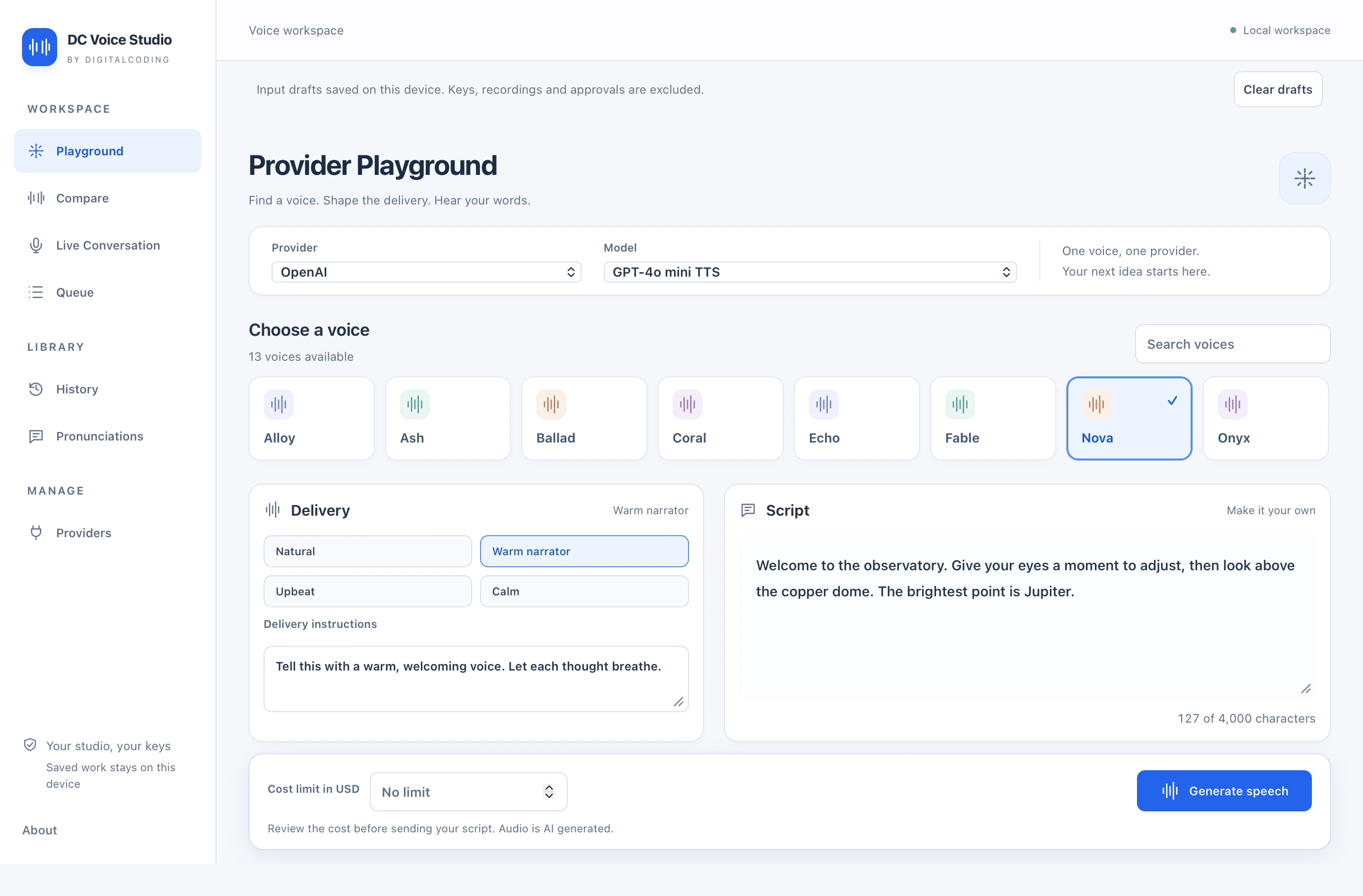
Hear the same line in different voices
Start with one voice in Playground or choose two to four in Compare. Mix voices from OpenAI, Google Gemini, xAI and ElevenLabs. Review the estimate for each voice before you approve generation.
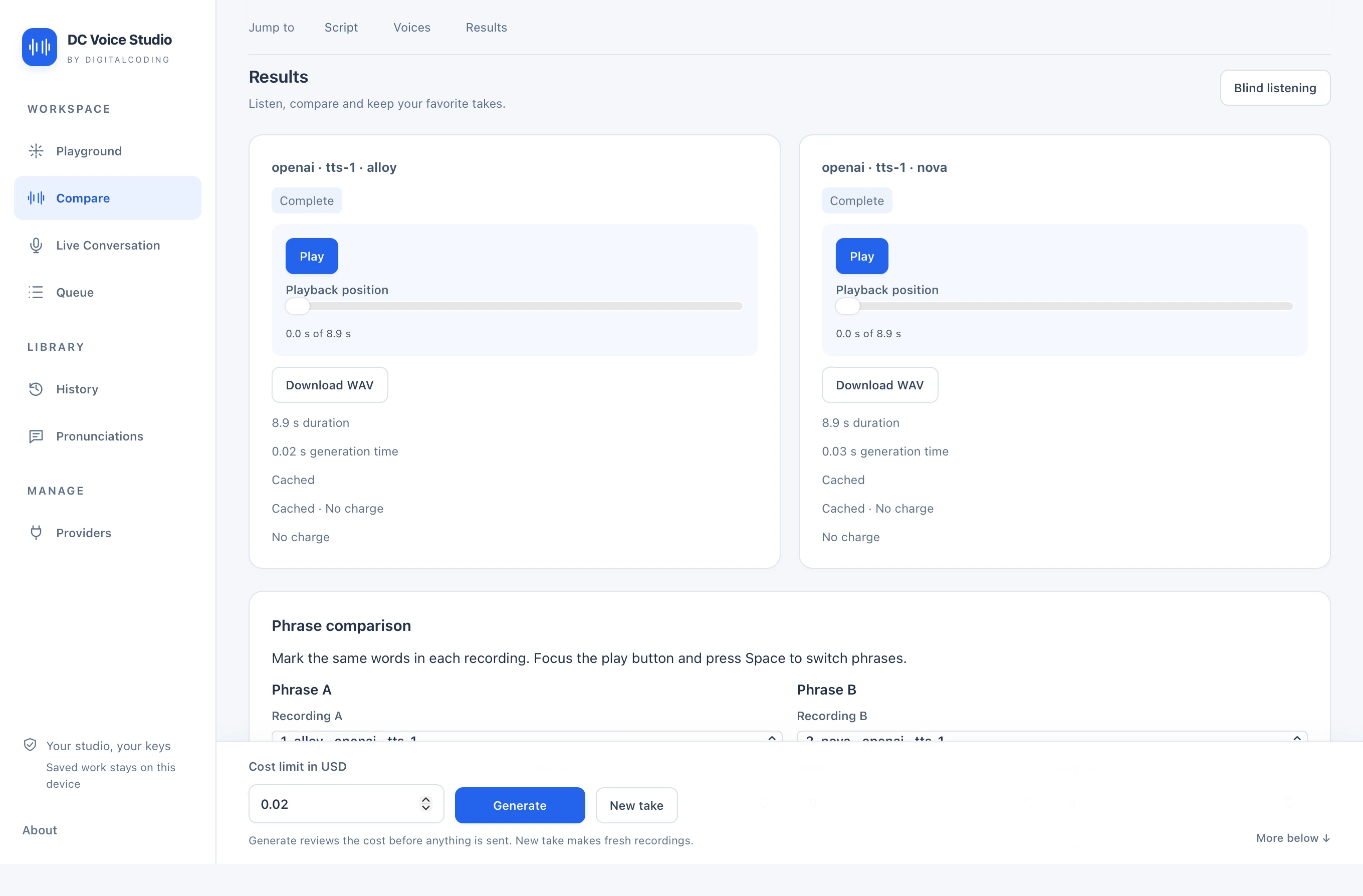
Blind listening shuffles and hides the voice names until you pick a winner. Mark a phrase and loop it across two takes to hear how each voice handles a pause, a name or a tricky line.
Keep the take you chose
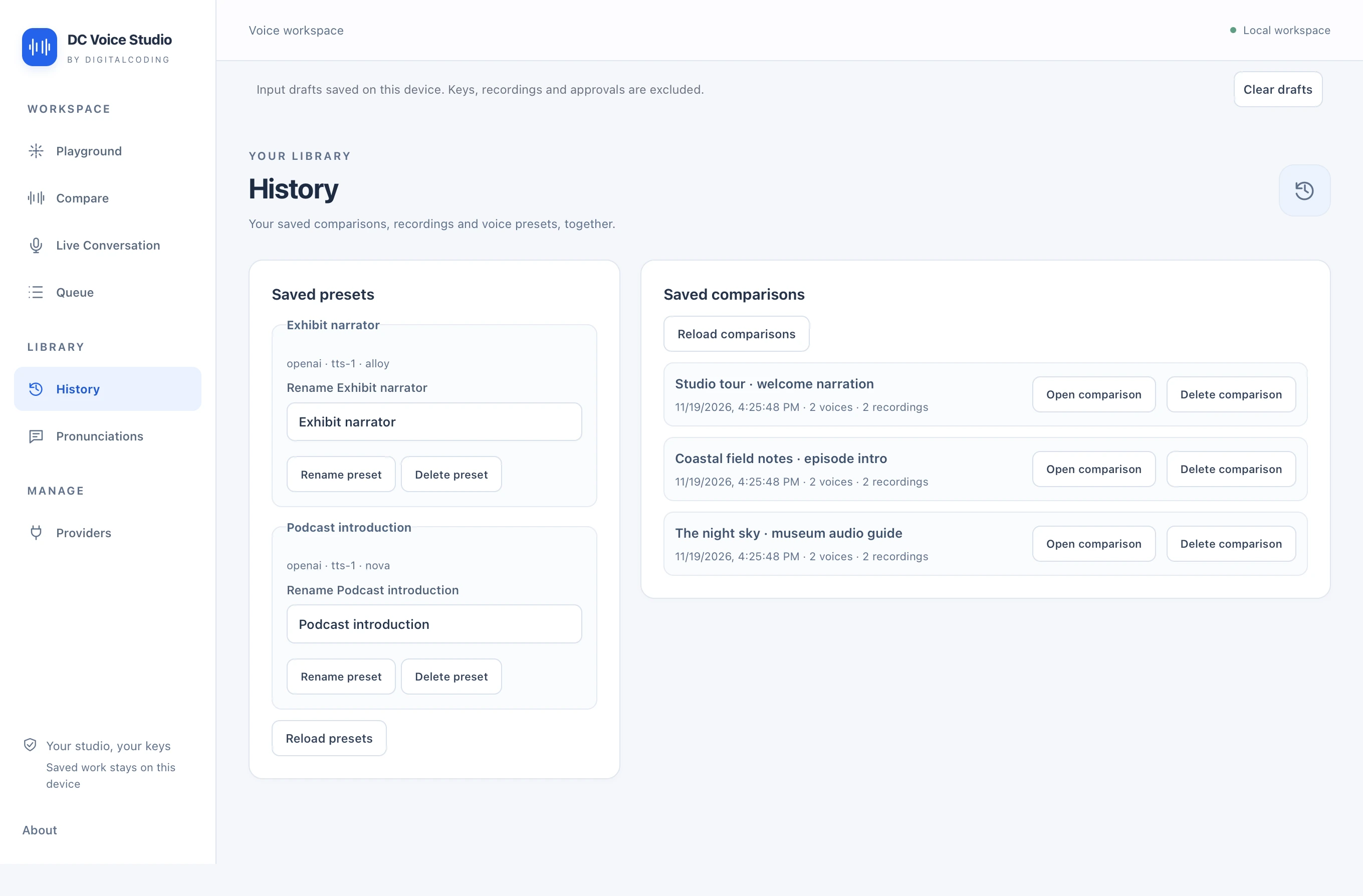
Save a comparison to History to reopen its script and recordings on this device. Play it again or export the original WAV without paying for another generation.
Save voice settings as presets, use the pronunciation dictionary for recurring names and queue several scripts for batch WAV export.
Using your provider accounts
Add an API key for each provider you want to use. The app is free. Your chosen providers receive the approved script and bill your account for usage.
Keys use your operating system’s secure credential store, with session-only storage if it is unavailable. Drafts and saved comparisons stay on this device.
Live Conversation lets you speak with Grok one turn at a time. Review the session estimate before connecting. While you record, your microphone audio streams to xAI.
Downloads
2 platforms available. Select your platform above.